How-To GuidesScheduling
Service Categories
Configure the types of services you offer.
Overview
Service categories define the types of Orders you handle. They appear as options when creating a new Order and in your public booking page.
Managing Categories
Navigate to SchedulingCategories in the sidebar.
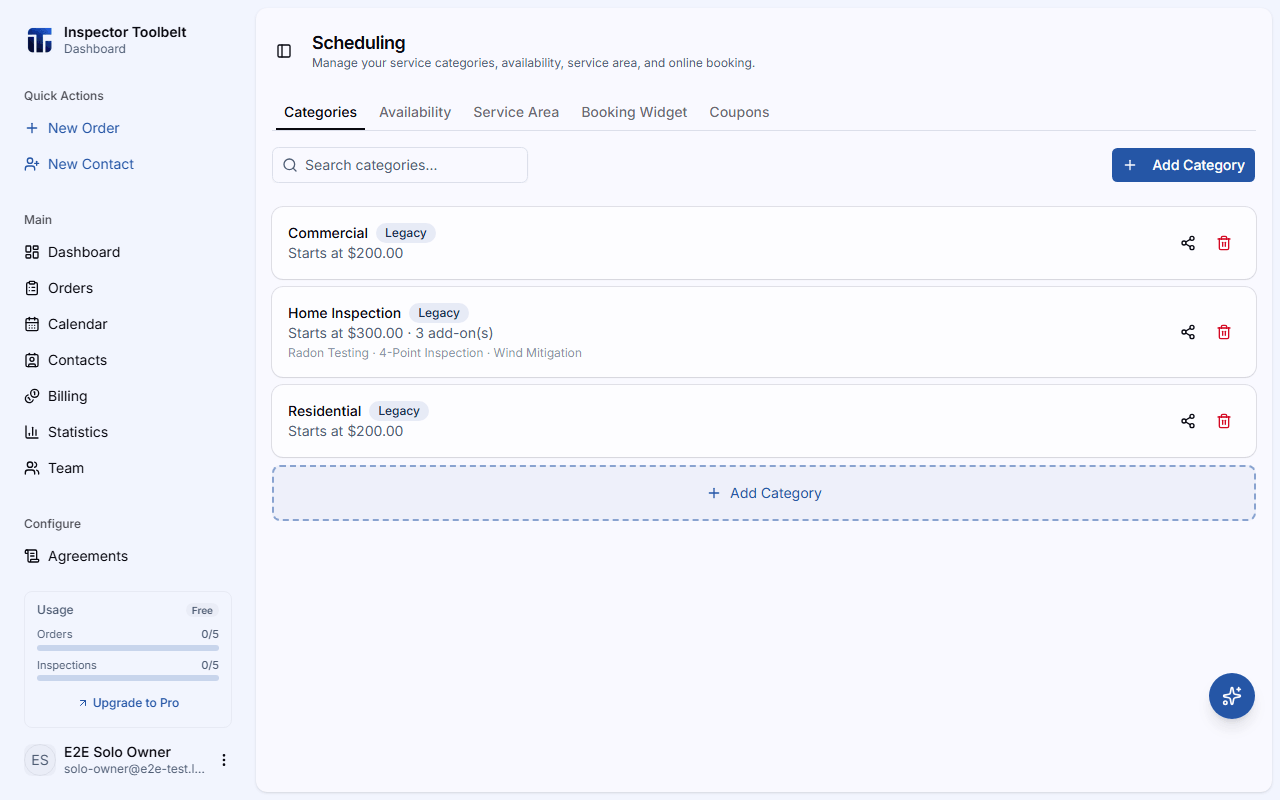
Adding a Category
Click Add Category.
Enter a Name for the service type (e.g., "Standard Residential", "Commercial") and choose whether it's Active on booking — whether clients can select it on your public booking page.
Click Save to add the category.
Editing
Click on any category to open its detail page, where the remaining options live:
| Setting | Description |
|---|---|
| Description | An optional description of the service |
| Lead Time | Minimum advance booking time for this service |
| Hide Pricing | Optionally hide pricing from the booking page |
| Pricing | Tier-based pricing, or area-based pricing calculated per square footage |
You can also configure property type options, property size pricing, additional services, and additional information items for the category.