Profile Settings
Configure your personal profile, region, and preferences.
Overview
Your profile settings control how the dashboard displays information tailored to you — your name, contact details, and regional formatting.
Accessing Settings
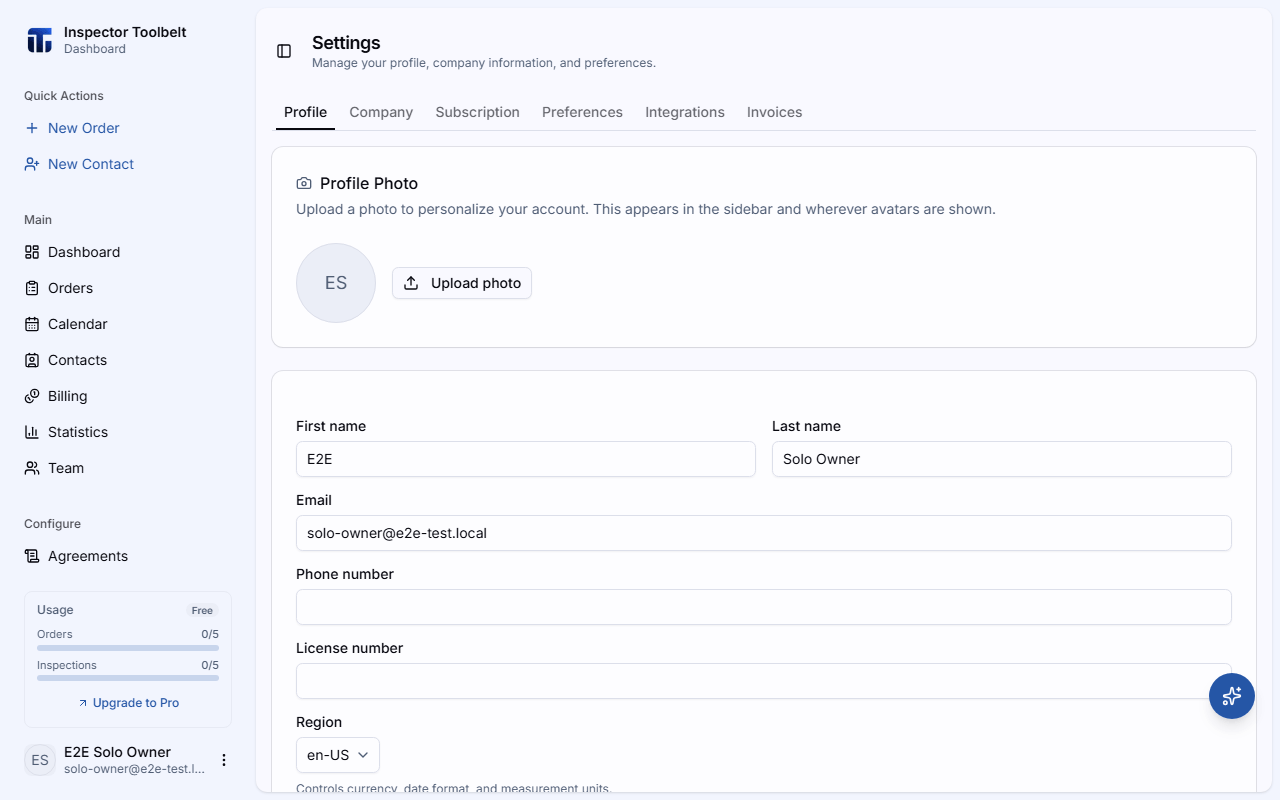
Navigate to SettingsProfile from the sidebar.
Available Settings
Name
Your first and last name, shown to team members and in communications. Edit the First Name and Last Name fields — changes save automatically.
Email & Phone
Your primary email address and phone number. The email is also used for login.
License Number
Optional professional license number for your business. This can be displayed in client-facing documents.
Region
Determines currency formatting, date formatting, and measurement units. Select the Region that matches your business location.
What region affects
Changing your region updates currency symbols (e.g., $ vs A$ vs £), date formats, and measurement units (sq ft vs m²) across the entire dashboard.
Timezone
Select your timezone from the Timezone selector. It ensures all dates and times display correctly for scheduling and automated notifications — only change it if you have permanently relocated.
Language
The dashboard language is set using the language switcher in the sidebar footer, not from this page. Currently supported: English, Spanish, French, Arabic, Chinese, and Korean.