Getting Started
Creating Your Account
Sign up for ITB Dashboard and get started with your service business.
Visit the Sign-Up Page
Navigate to the ITB Dashboard sign-up page. You can create an account using your email and password, or sign in with Google.
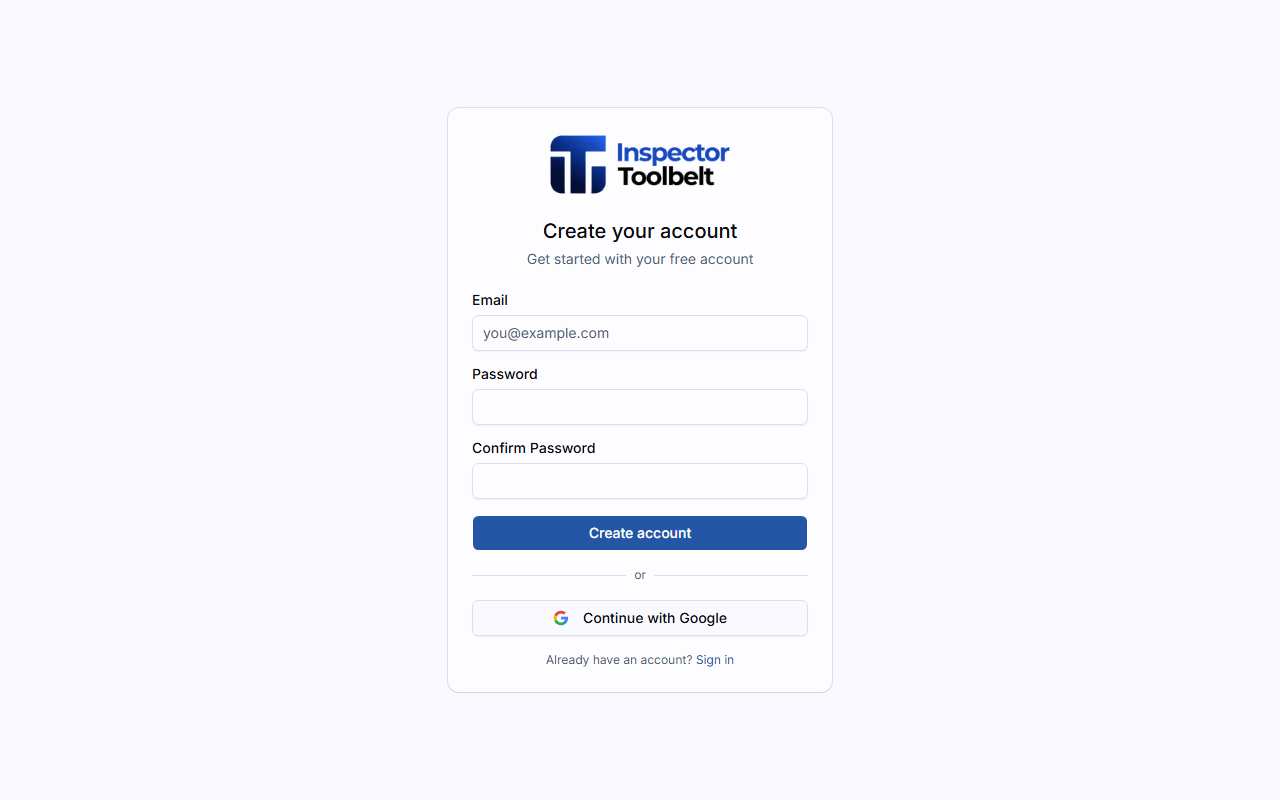
Create Your Account
Enter your email address, choose a secure password, and confirm it. Then click Create account.
Complete Onboarding
After creating your account, you'll be taken to the onboarding form. Fill in your business details:
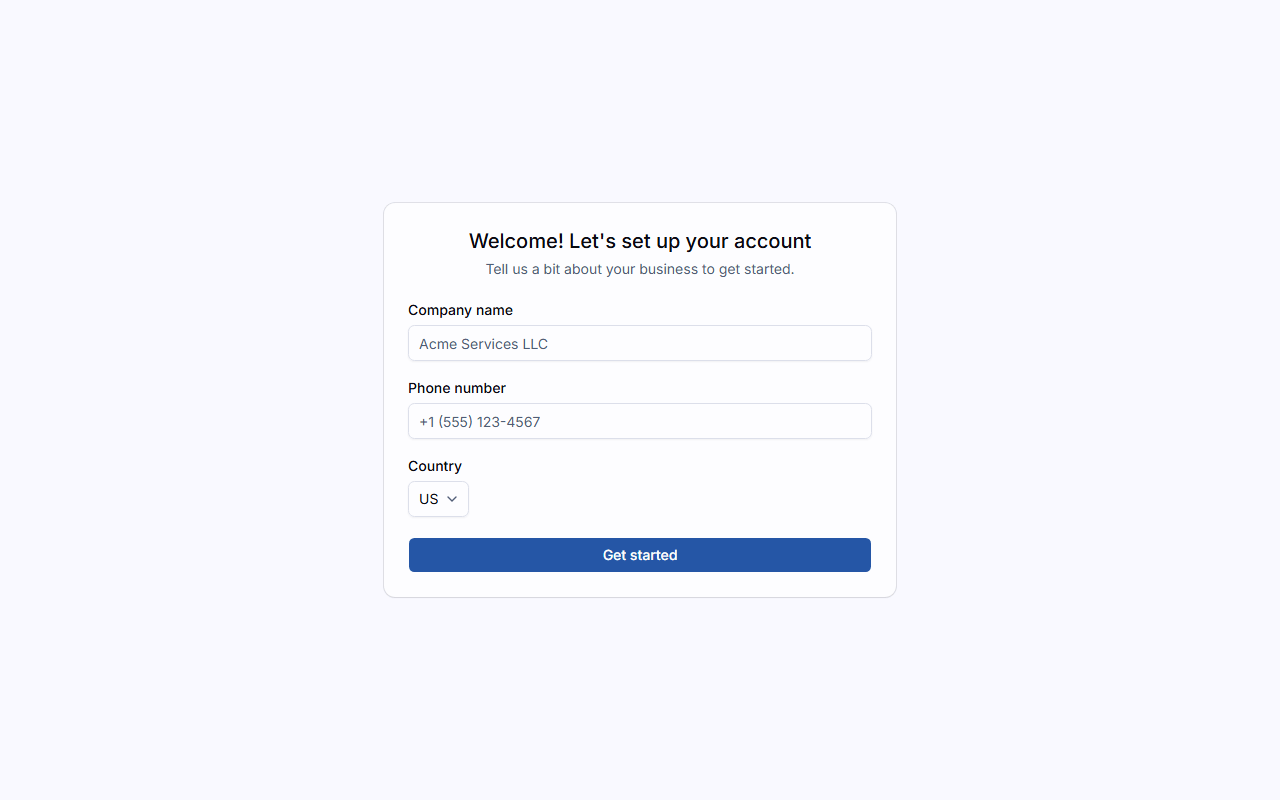
| Field | Description |
|---|---|
| Company Name | Your business name |
| Phone Number | Your primary phone number |
| Country | Where your business is located |
| Industry Type | The type of service business you run |
Industry selection matters
Your industry choice determines the labels, features, and default service categories shown throughout the dashboard. You can change it later in SettingsProfile.
Click Get started to complete onboarding and enter your dashboard.